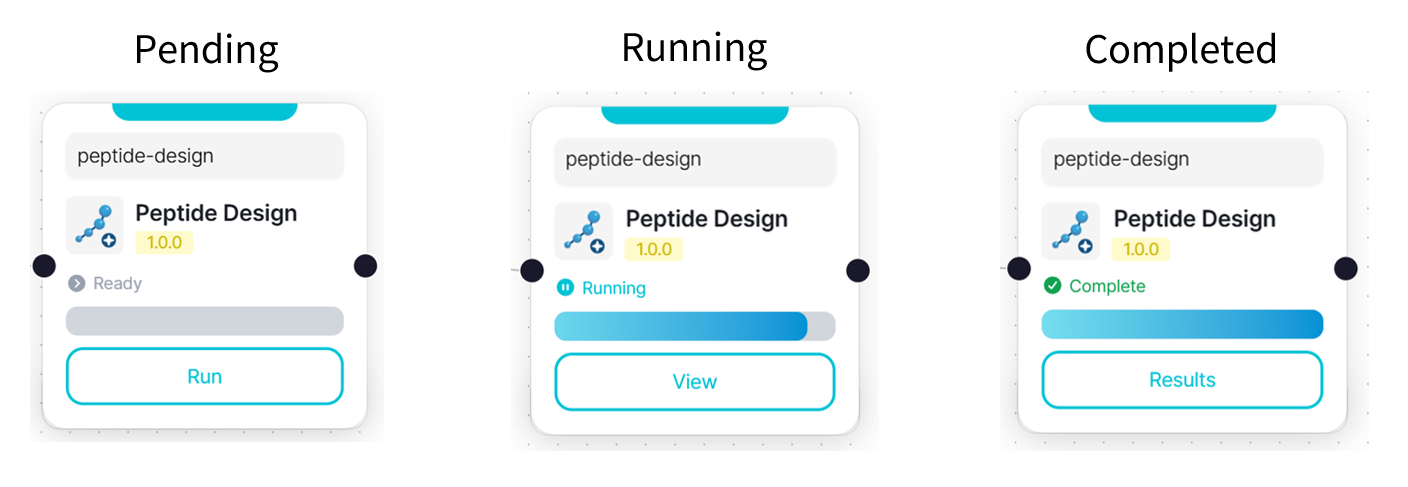
Peptide Design
Peptide Design uses an AI model to generate peptide ligands optimized for specific active sites on a target protein and performs AI-based peptide design simulations to improve their binding properties.
Users can define a target binding site by specifying a protein chain and residue position, then generate candidate peptides by setting the desired peptide length and number of peptides.
Predecessor Module
- PDB File Upload
- PDB Code Input
- CaliciFold
Input Parameters
Select an Input module
If you already have a peptide sequence, use the Peptide Sequence Upload module.
Specify the Target Binding Site
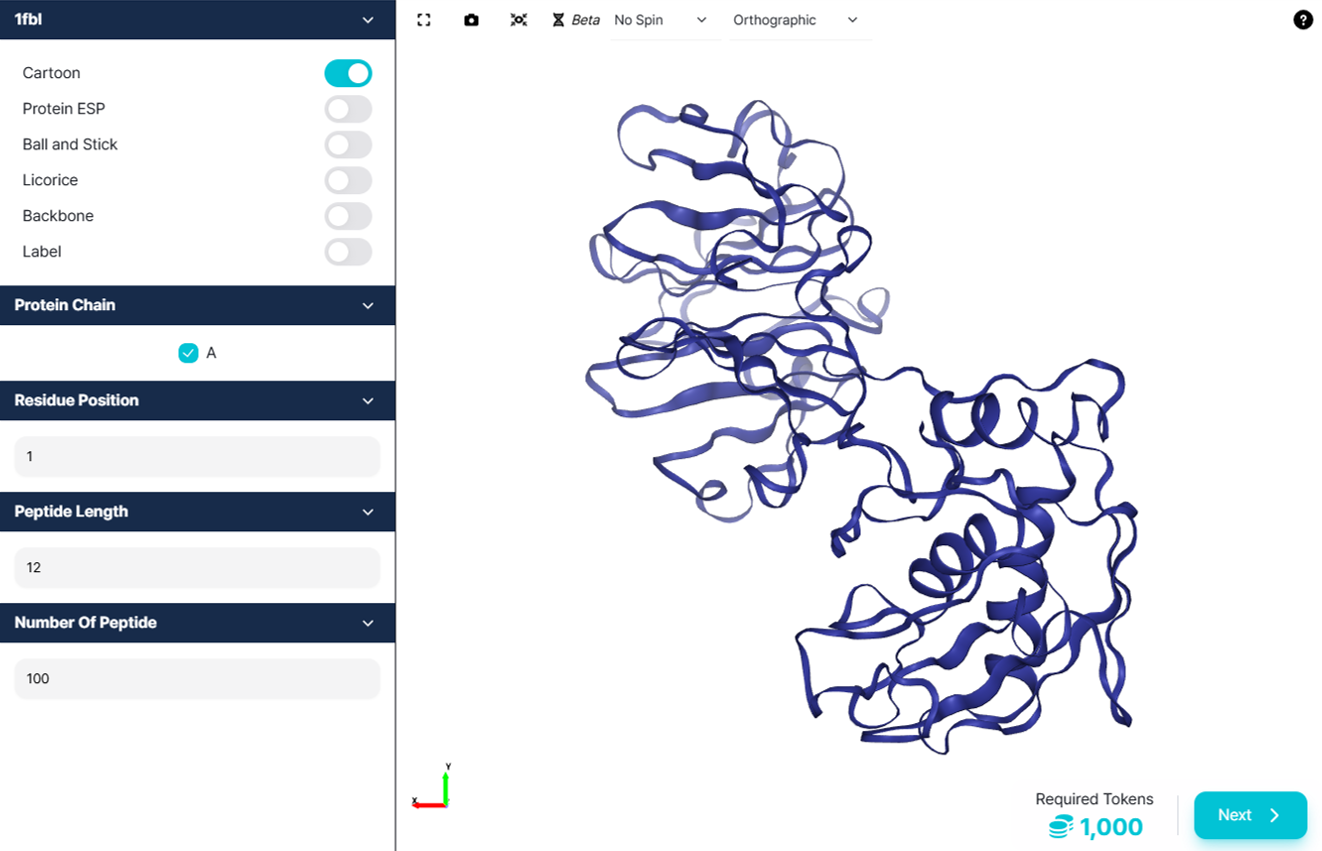
Configure the following parameters to specify the target site where the peptide will bind.
| Input Parameter | Description |
|---|---|
| Protein Chain | Select the chain of the target protein to which the peptide will be designed to bind. |
| Residue Position | Enter the residue number within the selected protein chain to specify the target binding site. |
| Peptide Length | Specify the number of amino acid residues in each peptide to be generated. |
| Number of Peptides | Specify the number of candidate peptides to be generated. |
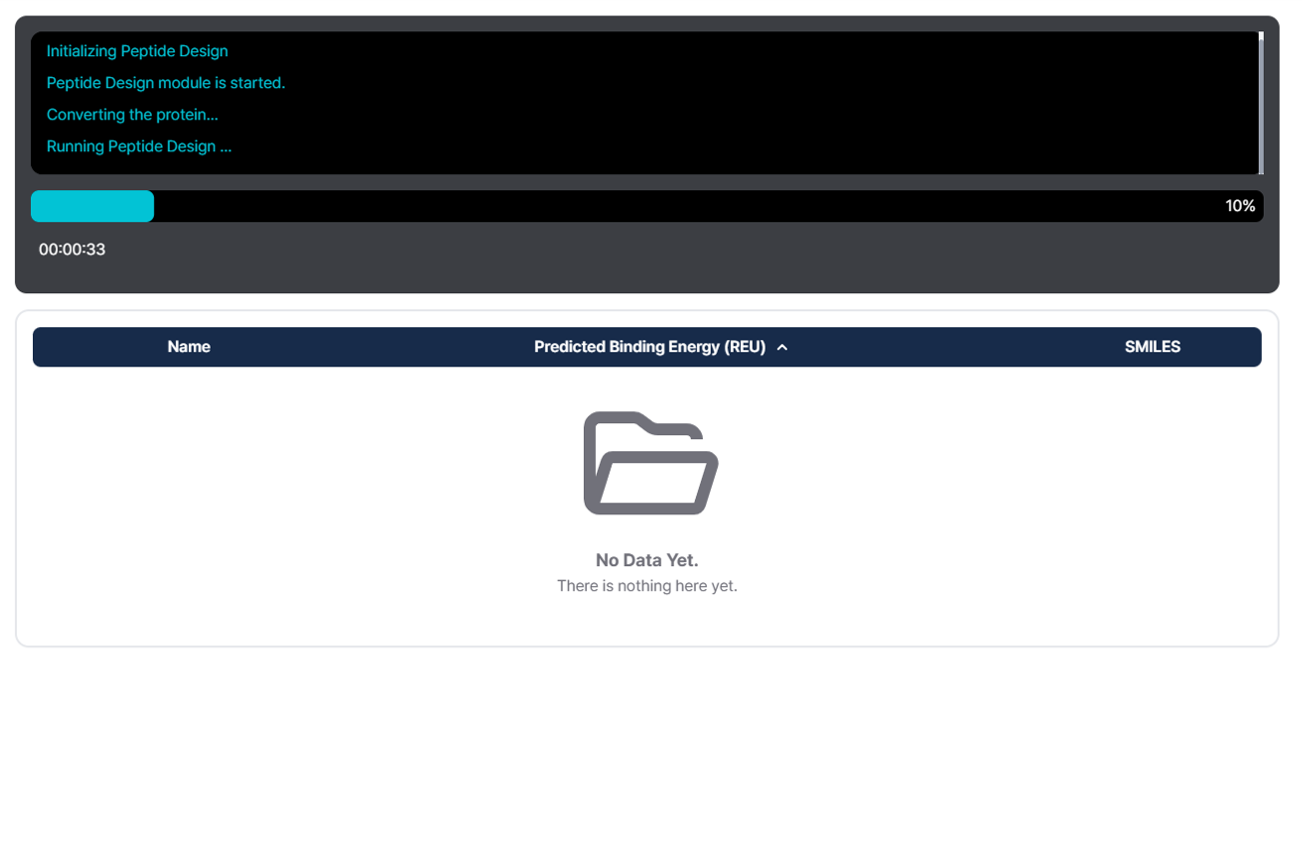
Module running screen
Progress messages
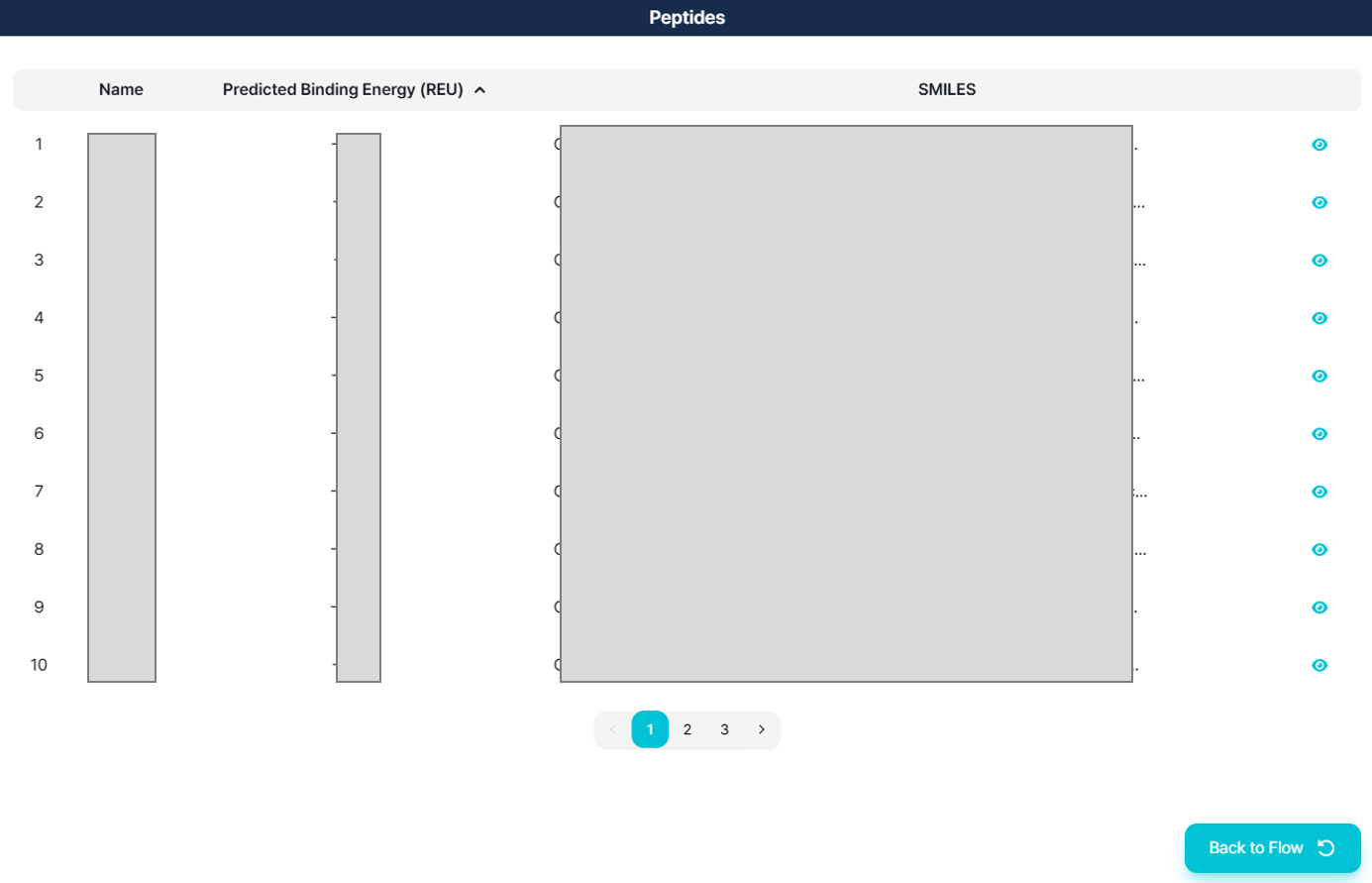
Result screen